Every time you type a web address into a browser, you’re reading a small, neatly organized label. It looks like a single word with some dots in it, but each piece has a name and a job. Once you know how to read it, addresses like www.example.com or blog.acy-partner.com stop being a blur and start telling you exactly what they are.
In this article we’ll take a domain apart piece by piece. You’ll learn what the part after the last dot means, which part you actually rent when you “buy a domain,” and how the parts on the left let one company run a blog, a store, and a help center under the same name. No prior knowledge needed.
A domain is read from right to left
Here’s the first surprise for most people: a domain is most easily understood backwards. You read English left to right, but a domain’s structure goes from broadest on the right to most specific on the left.
Take this address:
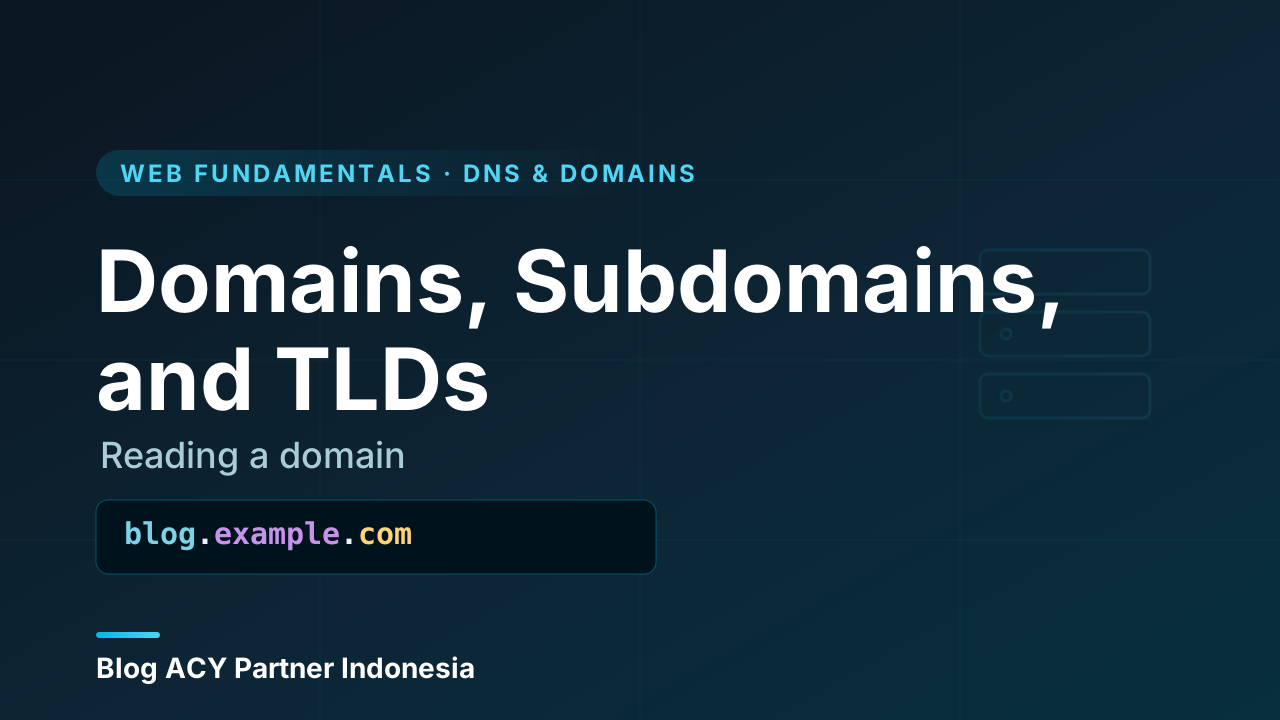
blog.example.comThe rightmost piece is the most general category. Each dot moves you one step more specific as you travel left. So the same address, read in order of importance, is really saying: “Inside the .com family, find the name example, and within that, the part called blog.”
blog        .   example     .   com
└ subdomain     └ domain         └ TLD
(most specific) (the name)    (most general)

        ◄──────── read this way ────────
Keep that arrow in mind. The right side is the big bucket; the left side narrows it down. Everything else in this article is just naming the buckets.
The TLD: the part after the last dot
The piece at the very end, after the final dot, is the TLD, short for top-level domain. In example.com, the TLD is .com. In wikipedia.org, it’s .org. In acy-partner.com, it’s again .com.
Think of the TLD as the top shelf of a giant filing cabinet. Everything on the web lives under one of these top shelves. There are a few broad families:
| TLD type | Examples | Roughly means |
|---|---|---|
| Generic (gTLD) | .com, .org, .net |
General-purpose; anyone can usually register |
| Country-code (ccTLD) | .id, .uk, .jp |
Tied to a country or territory |
| Newer generic | .dev, .app, .shop |
Themed names introduced in recent years |
.com was originally meant for commercial sites, .org for organizations, and .net for networks. In practice those lines blurred long ago, and today people pick whichever name is available and fits their brand. A country-code TLD like .id signals a connection to Indonesia, which is why many local businesses like the look of an .id address.
The TLD is chosen, not invented
You can’t make up your own TLD. The list of valid TLDs is maintained centrally for the whole internet, and registrars only let you register names under existing ones. You choose .com or .id; you can’t decide to launch .ajicakra.
The registrable domain: the part you actually rent
Now look one step to the left of the TLD. The combination of that label plus the TLD is the part you register and pay for. In example.com, that’s example.com. In acy-partner.com, that’s acy-partner.com.
This pairing is what people usually mean when they say “my domain” or “I bought a domain.” You don’t buy .com by itself, and you don’t buy example floating on its own. You register the whole name.tld unit together, and for as long as you keep paying the yearly fee, that exact combination is yours.
example.com      ← you register this whole unit
   │      │
   │      └ TLD (you pick from an existing list)
   └ the label you choose (must be unique under that TLD)
A few things follow from this:
- The label must be unique within its TLD. Only one
example.comcan exist. Butexample.comandexample.orgare completely separate registrations owned by potentially different people. - You don’t own the domain forever. You’re really renting it, usually one year at a time, from a registrar. Let it expire and someone else can register it.
- The label has rules: letters, numbers, and hyphens, no spaces, and it can’t start or end with a hyphen.
One name, many endings
If a brand matters to you, it’s common to register the same label under several TLDs, like acy-partner.com and acy-partner.id, and point them all to the same place. That protects the name and catches visitors who guess the wrong ending.
Subdomains: splitting one domain into many
Here’s where it gets genuinely useful. Once you own a registrable domain, you can create subdomains by adding labels to the left, separated by more dots. You don’t register or pay for these separately. They’re yours to invent because you already control the domain.
A subdomain is any label that appears before the registrable domain:
blog.acy-partner.com
docs.acy-partner.com
shop.acy-partner.com
 │        │
 │        └ the registrable domain you own
 └ a subdomain you create at will
Each of these can point to a completely different website, server, or service, while all of them clearly belong to the same brand. This is exactly how a single organization keeps related-but-separate things tidy. On our own family of sites, for example, the main blog lives at blog.acy-partner.com while the developer tools live at tools.acy-partner.com. Same registrable domain, two distinct sites, no extra registration.
Why split a site with subdomains
Splitting by subdomain has real advantages for beginners to appreciate:
- Clarity.
blog.andshop.instantly tell a visitor what they’re looking at. - Independence. Each subdomain can run on different software or even a different server. Your blog can be built one way and your store another, without stepping on each other.
- Organization. Big companies use subdomains like
support.,status., orcareers.to keep different teams’ areas separate while keeping one recognizable brand.
What about “www”?
The classic www you see in addresses like www.example.com is just a subdomain, no different in structure from blog or shop. It was a long-standing convention to mark “this is the World Wide Web part of our domain.” These days many sites drop it and serve the bare example.com, while others keep www and quietly redirect one to the other so both work. Either way, www carries no magic; it’s simply a subdomain that history made famous.
Subdomain is not the same as a path
Don’t confuse blog.example.com (a subdomain, on the left of the domain) with example.com/blog (a path, on the right after a slash). The subdomain can be a separate site or server; the path is a section within one site. They look related but are structured very differently.
Putting the whole label together
Let’s read one full address slowly, applying everything above:
docs.acy-partner.com| Part | Name | What it tells you |
|---|---|---|
com |
TLD | The top-level family this name lives under |
acy-partner.com |
Registrable domain | The unit that was registered and paid for |
docs |
Subdomain | A specific area carved out under that domain |
Read right to left, it says: within .com, find the acy-partner name, and go to its docs area. Every web address you’ll ever meet follows this same shape. Some have more subdomain labels stacked on the left (a.b.example.com is perfectly valid), but the three roles never change: a TLD on the right, a registrable domain in the middle, and optional subdomains on the left.
Recap
You now have a reliable way to read any web address:
- Read right to left. The rightmost part is the broadest; each dot to the left narrows it down.
- The TLD is the part after the last dot, like
.com,.org, or.id. You pick it from an existing list; you can’t invent one. - The registrable domain is the label plus the TLD together, like
example.com. That’s the unit you rent from a registrar, and it must be unique within its TLD. - Subdomains are extra labels you add on the left, like
blog.orwww.. You create them freely once you own the domain, and they let you split one brand into many distinct sites.
With this mental model, the next natural step is to ask how a name like example.com actually turns into the right server when you press Enter. That’s the job of DNS, the system that translates these human-friendly names into the addresses computers use, and it’s a great thing to explore next.