Web Fundamentals/Fundamentals
What Is the Web?
A beginner-friendly guide to the World Wide Web: what a website is, what a browser actually does, and why the whole thing is really just pages connected by links.
Sep 15, 20269 min read
ACY Partner Indonesia Blog
In-depth guides across everything we cover — explained clearly, from the basics up.
A growing library of practical guides across the topics that matter — each one explained clearly, from the fundamentals up. Whether you are just starting out or filling in gaps, you will find approachable, in-depth material you can actually learn from.
Every topic begins at the fundamentals and builds up in a clear, logical order — easy to follow even if it is all new to you.
Real examples and thorough explanations in plain language, so concepts genuinely stick.
Every guide is available in both languages, written naturally in each so it reads the way you think.
No sign-up and no paywall. Open any guide and start reading right away.
Each topic is its own collection of guides — pick one to start exploring.
The newest guides across every topic, organized by where they live.
A beginner-friendly guide to the World Wide Web: what a website is, what a browser actually does, and why the whole thing is really just pages connected by links.
People use internet and web as if they mean the same thing, but they don't. Learn the simple distinction in plain language, with a roads-and-traffic analogy anyone can follow.
A plain-language walkthrough of what really happens when you visit a website — from typing an address to the browser drawing the page on your screen.
HTTP is how your browser and web servers talk to each other. Learn what a request and response look like, why it's human-readable, and how HTTPS keeps it safe.
Every page you load is a conversation: your browser asks, a server answers. Learn the anatomy of an HTTP request and response, with a real raw example you can read line by line.
A beginner-friendly tour of HTTP methods. Learn what GET, POST, PUT, PATCH, DELETE, HEAD, and OPTIONS really do, plus what safe and idempotent actually mean.
A domain name is the human-friendly address you type to reach a website. Learn what it really is, why we use names instead of numbers, and the parts that make it up.
DNS turns a domain name like example.com into the IP address of a server, so your browser knows where to send its request. Here is what DNS is and why it exists, in plain language.
Follow a domain name from the moment you press Enter to the IP address that comes back. We trace every cache and server in the DNS lookup chain, step by step, in plain language.
A plain-language guide to what a web browser really is: the program that fetches web resources and turns them into the pages you see, tab by tab, click by click.
A beginner-friendly tour of what your browser does between typing a URL and seeing a page: networking, parsing, the render tree, layout, paint, compositing, and the JavaScript engine.
How a browser turns your HTML, CSS, and JavaScript into actual pixels on screen — DOM, CSSOM, render tree, layout, paint, and compositing, explained step by step for beginners.
Web hosting means renting space on an always-on server so your website is reachable on the internet 24/7. Here is what a host actually does and why your laptop cannot do its job.
A beginner-friendly tour of web hosting options. Compare shared, VPS, dedicated, cloud, and static hosting by cost, control, scaling, and effort, with a clear table and tips on when each one fits.
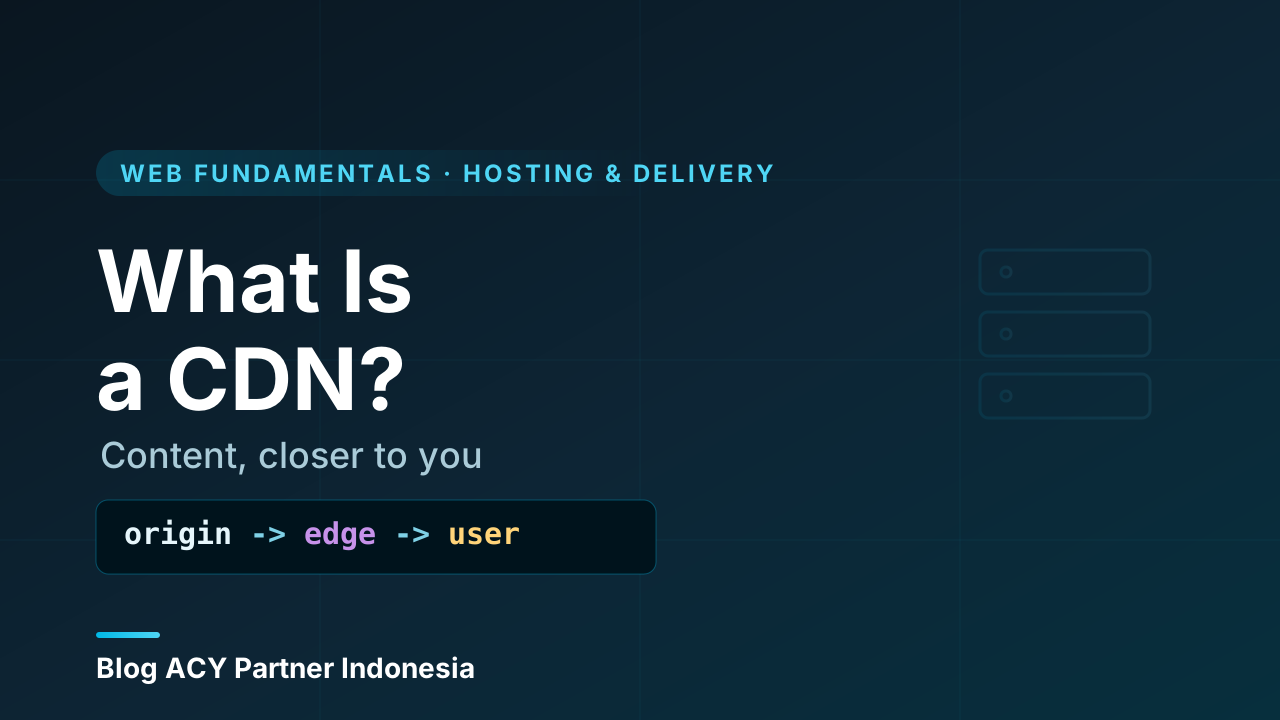
A beginner-friendly guide to CDNs (Content Delivery Networks): why distance slows the web, what gets cached at the edge, and how a CDN speeds up your site while protecting your origin server.
A beginner-friendly guide to frontend development: the part of a website you actually see and click. Learn how HTML, CSS, and JavaScript work together, and how the frontend differs from the backend.
A clear, beginner-friendly look at what frontend developers actually do every day: turning designs into working interfaces, building reusable UI, and caring about responsiveness, accessibility, and speed.
A friendly tour of the everyday tools a frontend developer relies on — code editor, browser and DevTools, terminal, version control, package managers, and a dev server — and what each one is actually for.
HTML is what every web page is made of. Here's what it actually is, how its tags and elements work, and how to write your very first page — explained simply, from zero.
Every HTML page sits on the same skeleton: doctype, html, head, and body. Here's what each part does and why it's there — so you can set up any page properly from scratch.
Most of a web page is text. Here are the HTML elements that structure it — headings, paragraphs, lists, line breaks, and the tags that add emphasis — with clear examples of when to use each.
CSS is what makes web pages look good. Learn what it is, how rules and selectors work, the three ways to add it to a page, and write your first styles — explained simply, from zero.
Selectors are how CSS picks which elements a rule applies to. Learn element, class, and id selectors, how to combine them, pseudo-classes like :hover, and how the cascade decides which rule wins.
Color is one of the most impactful parts of CSS. Learn the ways to specify color — names, hex, RGB, HSL — plus transparency, background colors, gradients, and background images.
JavaScript is what makes web pages interactive. Learn what it is, how it differs from HTML and CSS, how to add it to a page, and write your first lines of real code — explained simply, from zero.
Variables store information in your code, and data types describe what kind of information it is. Learn let, const, and var, plus strings, numbers, booleans, and the other core JavaScript types.
Operators let you calculate and compare values; conditionals let your code choose what to do. Learn arithmetic and comparison operators, if/else if/else, logical operators, and the ternary shortcut.

A beginner-friendly guide to TypeScript: what it is, why it exists, how it adds optional static types on top of JavaScript, and how those types catch bugs before your code ever runs.

A beginner-friendly look at what TypeScript actually buys you: fewer runtime bugs, self-documenting code, smarter autocomplete, and safer refactors — plus an honest take on its costs.

TypeScript is JavaScript with static types and a compile step. Learn what they share, what TS adds, why .ts turns into .js, and which one to reach for as a beginner.
A server is just a computer that does a job for other computers. Learn what a server really is, how it differs from your laptop, the kinds of servers you'll meet, and why everything online depends on them — explained simply, from zero.
Almost everything online is a conversation between a server and a client. Learn exactly what each side does, how they differ, where your code actually runs, and why knowing which is which saves you from a whole class of confusing bugs.
Servers are named after the job they do, not the box they run on. Walk through the main types of servers — web, application, database, file, mail, DNS, proxy, and more — with plain explanations of what each one is for and how they fit together.
Sooner or later, working with servers means working with Linux. Learn why Linux dominates the server world — its stability, low cost, control, security model, and remote-friendly design — and why getting comfortable with it pays off for years, explained from zero.
A Linux distribution is the kernel plus everything packaged around it. Learn what a distro actually is, why hundreds exist, how the major families differ, and how to pick a sensible one for a server — explained from zero, vendor-neutral.
Servers have no screen and no mouse — you control them by typing. Learn what the command line really is, how the shell reads what you type, the anatomy of a command, and the handful of habits that turn a blinking cursor into the most powerful tool you own, explained from zero.
A web server is the piece of software that listens for browser requests and sends back web pages. Learn what a web server actually does, how it differs from the machine it runs on, what HTTP has to do with it, and where it sits in the journey from URL to page — explained from zero.
Type a URL, hit Enter, and a page appears. But what actually happens inside the web server during those few hundred milliseconds? Walk through the full request lifecycle — listening, parsing, routing, responding — step by step, from zero.
When a browser asks for a page, the server either hands over a file it already had, or builds a fresh page on the spot. That single difference — static vs dynamic content — shapes speed, cost, and how your whole site is built. Here's the full picture, from zero.
A network is just a group of computers that can send messages to each other. Learn what a network really is, the pieces that make one work, how data actually moves across it, the common types you'll meet, and why every server depends on one — explained from zero.
What actually happens between typing a web address and seeing the page load? Follow a single request across the real internet — DNS, IP addresses, routers, packets, and the round trip back — explained plainly, from zero.
TCP/IP is the set of rules that lets any two computers on Earth exchange data reliably. Learn what TCP and IP each do, how the layered model works, the difference between TCP and UDP, and how a single request actually travels — explained from zero.
A container packs your app together with everything it needs to run, so it behaves the same on every machine. Learn what a container really is, how it differs from just installing software, what's actually inside one, and why containers changed how software ships — explained from zero.
Containers and virtual machines both let one physical server run many isolated workloads, but they solve the problem in completely different ways. Learn how each one works, where the line is drawn, what they trade off, and when to reach for which — from the ground up.
Containers aren't hype — they fix concrete, painful problems: 'it works on my machine,' messy dependencies, slow onboarding, and fragile deployments. Here's what containers actually buy you, when they're worth it, and when they're overkill.
Deployment is the moment your code stops running only on your machine and starts running where real people can reach it. Learn what deployment actually means, the steps it involves, why it's trickier than it sounds, and how the modern automated version works — explained from zero.
Code rarely jumps straight from your laptop to real users. It passes through environments — development, staging, production, and friends. Learn what each one is for, why teams keep them separate, and how the same app behaves differently in each.
Deployment isn't one magic button — it's a sequence of steps that turns your source code into a running app on a server. Learn the universal stages (build, transfer, install, migrate, switch, verify), what each one does, and how the modern automated pipeline runs them for you.
A fresh server on the internet is a target within minutes. Server hardening is the set of habits that shrink the ways in. Learn what hardening means, the layers it covers, and a practical checklist you can apply to any machine — explained from the ground up.
SSH is the front door to your server, and attackers know it. Learn how to harden SSH the right way — key-based login, disabling passwords and root, changing defaults, limiting users, and the small settings that keep automated attacks out — explained from the ground up.
Knowing what a firewall is and actually configuring one well are two different skills. Learn how to write a default-deny rule set, order rules correctly, allow your own access first, handle IPv6 and cloud security groups, and test before you commit — a practical, vendor-neutral guide from zero.