You use web pages every single day. The article you’re reading right now is one. So is your email inbox, the search results you scrolled through to get here, and the screen where you pay an electricity bill. But if someone asked you to explain what a web page actually is, you might pause. That’s completely normal, and by the end of this article you’ll be able to answer clearly.
We’re going to start from the very bottom and build up slowly. No prior knowledge is assumed. If you’ve ever wondered what’s really happening when you type an address and a page appears, this is for you.
A web page is a document
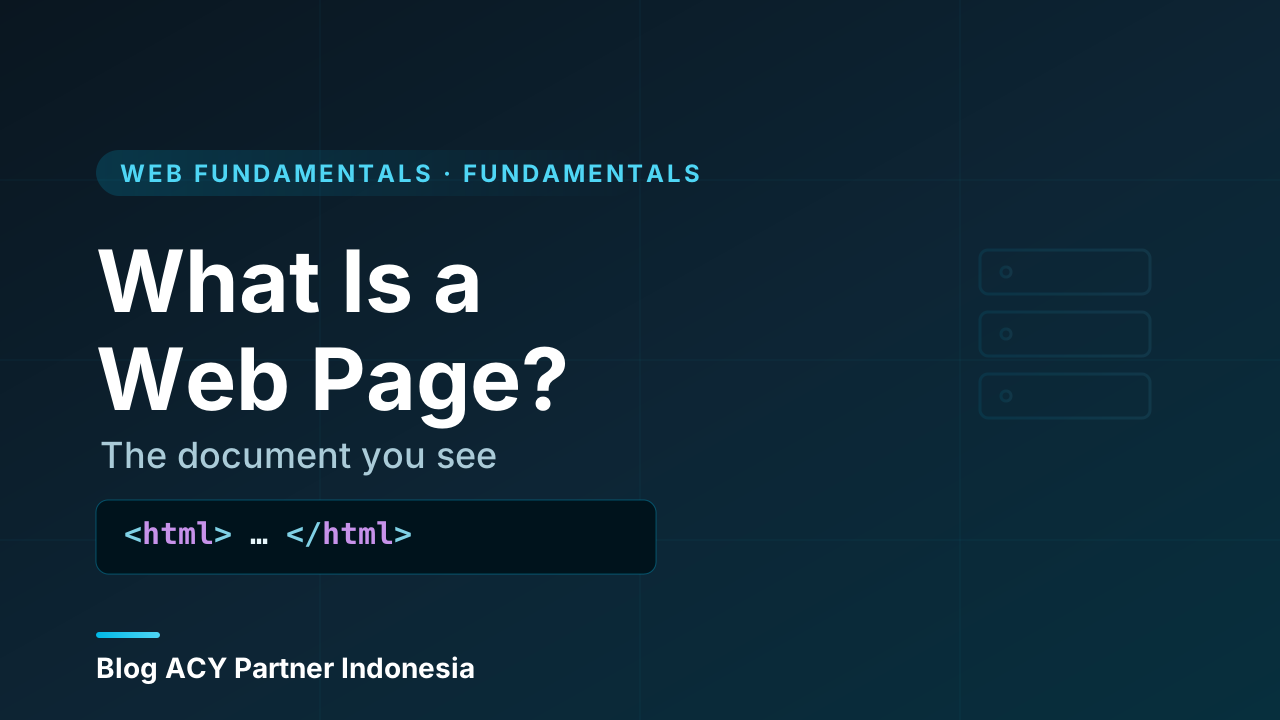
Here is the simplest honest definition: a web page is a document that your web browser fetches from somewhere on the internet and then displays on your screen.
Think of a paper document for a moment, like a letter or a flyer. It has text, maybe a heading at the top, maybe a picture in the middle, and some structure that tells you what’s important. A web page is the same idea, except the document lives on a computer somewhere far away, and instead of reading it on paper, your browser draws it on your screen.
That document is usually written in a language called HTML (HyperText Markup Language). HTML is just text with labels around it. The labels tell the browser things like “this part is a heading,” “this part is a paragraph,” and “this part is a link to another page.” A very small piece of HTML looks like this:
<h1>Hello</h1>
<p>This is a paragraph on a web page.</p>
<a href="https://acy-partner.com">A link you can click</a>
Your browser reads that text, understands the labels, and turns it into the nicely formatted page you actually see. You never have to read the raw HTML yourself, the browser does that work for you.
The key idea in one sentence
A web page is a document (almost always an HTML document) that a browser downloads and displays. Everything else builds on top of that simple fact.
How a page gets to your screen
It helps to picture where the document comes from. Web pages don’t live inside your phone or laptop. They live on other computers, called servers, which are always switched on and connected to the internet, waiting to hand out documents when asked.
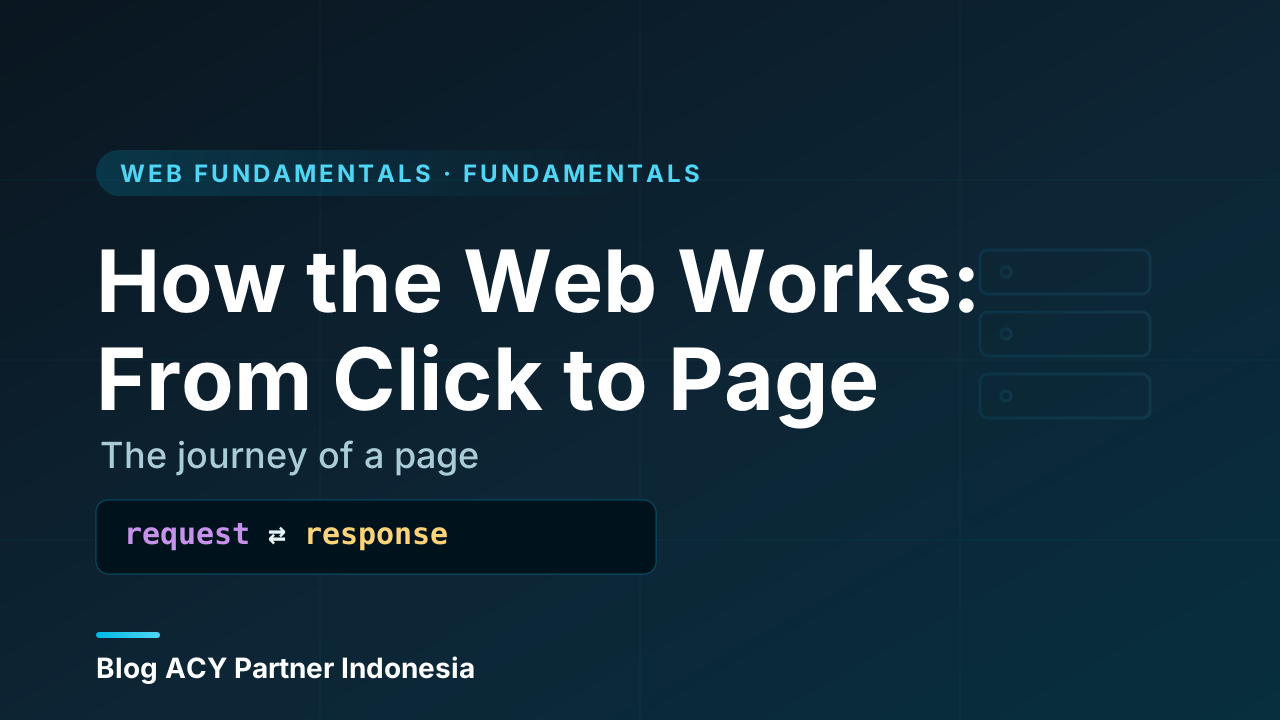
When you type an address (like acy-partner.com) or click a link, your browser sends a polite request across the internet to the right server. The server finds the document you asked for and sends a copy back. Your browser receives it and displays it. That whole round trip usually takes a fraction of a second.
  You (browser)                        Server
  ------------                         ------
  "Please send me                 finds the
   the page at  ----- request ---->   page
   acy-partner.com"
                <---- response ----   sends the
  browser displays                    document
  the page
The address you type is called a URL (Uniform Resource Locator). You can think of it as the full postal address of one specific document. Just as a street address points to one house, a URL points to one page.
Page versus website versus web app
This is where a lot of beginners get tangled up, so let’s untangle it carefully. Three terms get used loosely in conversation, but they mean different things.
A web page is a single document, the thing we just defined.
A website is a collection of related pages that belong together, usually under one address. The blog you’re reading is a website. It has a home page, this article page, an “about” page, and many others. They share a design and a domain name, and links connect them. So a website is to a web page roughly what a book is to a single page in that book.
A web app (web application) is a website that does more than show you documents, it lets you do things and reacts to you in real time. An online spreadsheet, an email client, or an internet banking dashboard are web apps. You don’t just read them; you type, drag, calculate, save, and the page updates instantly without reloading. There’s no hard line in the sand between a fancy website and a web app, but the rule of thumb is helpful.
Here’s the same idea as a table:
| Term | What it is | Everyday example |
|---|---|---|
| Web page | One single document | This article you’re reading |
| Website | A group of related pages | The whole blog.acy-partner.com blog |
| Web app | A website you interact with | An online email inbox or spreadsheet |
A simple way to remember it
Page = one document. Site = many pages together. App = a site you actively use, not just read. When you’re unsure which word fits, ask: “Am I reading it, or am I doing something with it?”
The three things that build a page
A web page is mostly HTML, but in practice two more languages usually come along for the ride. You don’t need to learn them today, you just need to know the role each one plays, because beginners often confuse them.
HTML: the structure
HTML is the skeleton. It defines what’s on the page and what each piece means, the headings, paragraphs, images, links, buttons, and so on. If a page had only HTML, it would still work, it would just look plain and unstyled, like a typed document with no formatting.
CSS: the appearance
CSS (Cascading Style Sheets) is the styling. It controls how the page looks, the colors, fonts, spacing, sizes, and overall layout. CSS is what makes one website feel sleek and another feel playful, even though both are built from the same kind of HTML underneath. Take CSS away and the content is all still there; it just looks bare.
JavaScript: the behavior
JavaScript is the language that makes a page do things. It runs inside your browser and reacts to what you do, opening a menu when you tap it, checking a form before you submit it, or loading new content without a full page reload. JavaScript is what turns a static document into something that feels alive, and it’s the main ingredient that pushes a website toward being a web app.
Here’s the division of labor at a glance:
| Layer | Question it answers | Job |
|---|---|---|
| HTML | What is it? | Structure and content |
| CSS | What does it look like? | Styling and layout |
| JavaScript | What does it do? | Behavior and interactivity |
A common beginner-friendly analogy: HTML is the bricks and rooms of a house, CSS is the paint and furniture, and JavaScript is the electricity and plumbing that make the house actually function. We’re only naming the three here. Each one deserves its own deeper explanation, and you’ll find those elsewhere on this blog.
Static pages and dynamic pages
One more distinction is worth a quick mention, because you’ll hear these words often.
A static page is the same for everyone and doesn’t change unless someone edits the underlying file. A simple “about us” page is usually static, the server hands out the exact same document every time.
A dynamic page is built fresh depending on the situation, who you are, what you searched for, or what’s in the database right now. Your social media feed is dynamic, because it’s assembled specifically for you each time you load it. Importantly, by the time the document reaches your browser, it’s still just a web page, a document the browser displays. “Dynamic” describes how the document was prepared, not what it fundamentally is once it arrives.
Don't overthink the labels
Static versus dynamic, website versus web app, these are useful descriptions, not rigid categories. The same project can have static pages and dynamic pages side by side. Focus on the core idea first: it’s a document a browser displays. The labels just describe flavors of that.
Recap
Let’s pull the whole picture together.
- A web page is a document, almost always written in HTML, that your browser fetches from a server and displays on your screen.
- A server stores these documents and sends a copy whenever a browser requests one, identified by its URL.
- A website is a collection of related pages grouped under one address, and a web app is a website you actively interact with rather than just read.
- A page is usually built from three layers: HTML for structure, CSS for appearance, and JavaScript for behavior.
- Static pages are the same for everyone; dynamic pages are assembled per situation, but both arrive at your browser as ordinary web pages.
If you remember just one thing, make it this: a web page is a document, and the browser’s job is to fetch it and show it to you. Everything else in web development is detail layered on top of that foundation.
A natural next step is to look more closely at how HTML, CSS, and JavaScript work together as three cooperating layers, and then to start exploring HTML itself, the language nearly every page is made of. Take your time, and let each idea settle before moving on. You now have the mental model that everything else hangs from.