When you’re building something, your code lives on your laptop. When real people use it, that same code lives somewhere very different — a machine on the internet, serving thousands of strangers who will absolutely find the one bug you didn’t. Between those two worlds sit a handful of environments, and learning to think in environments is one of those quiet skills that separates “it works on my machine” from “it works for everyone.”
The idea is simple once you see it: an environment is just a separate place where your app runs, set up for a specific purpose. The same codebase can run in several of them at once, each with its own settings, its own data, and its own audience. Let’s walk through what they are and why nearly every serious project ends up using them.
What an environment actually is
An environment is a complete, self-contained setup where your application runs: the server (or your laptop), the operating system, the runtime, the database it talks to, the configuration values it reads, and the data sitting inside that database. Change any of those, and you’ve got a different environment.
The key word is separate. When two environments are properly isolated, something you do in one can’t accidentally break the other. You can wipe the database in one environment and the others won’t even notice. That isolation is the entire point — it gives you safe places to make mistakes before those mistakes reach real users.
People often say “deploy to staging” or “it’s broken in production” as if these were physical locations. In a sense they are: each environment usually lives on its own machine (or its own slice of a machine), with its own address, its own copy of the app, and its own settings. Same recipe, different kitchens.
Same code, different config
A common beginner assumption is that each environment runs different code. Usually it doesn’t. The goal is the exact same code everywhere, with only the configuration changing — the database it connects to, the API keys it uses, whether debug logging is on. If you find yourself writing if (environment === "production") all over your app, that’s a sign config is leaking into your code where it doesn’t belong. We’ll come back to why config matters so much.
The three you’ll meet first
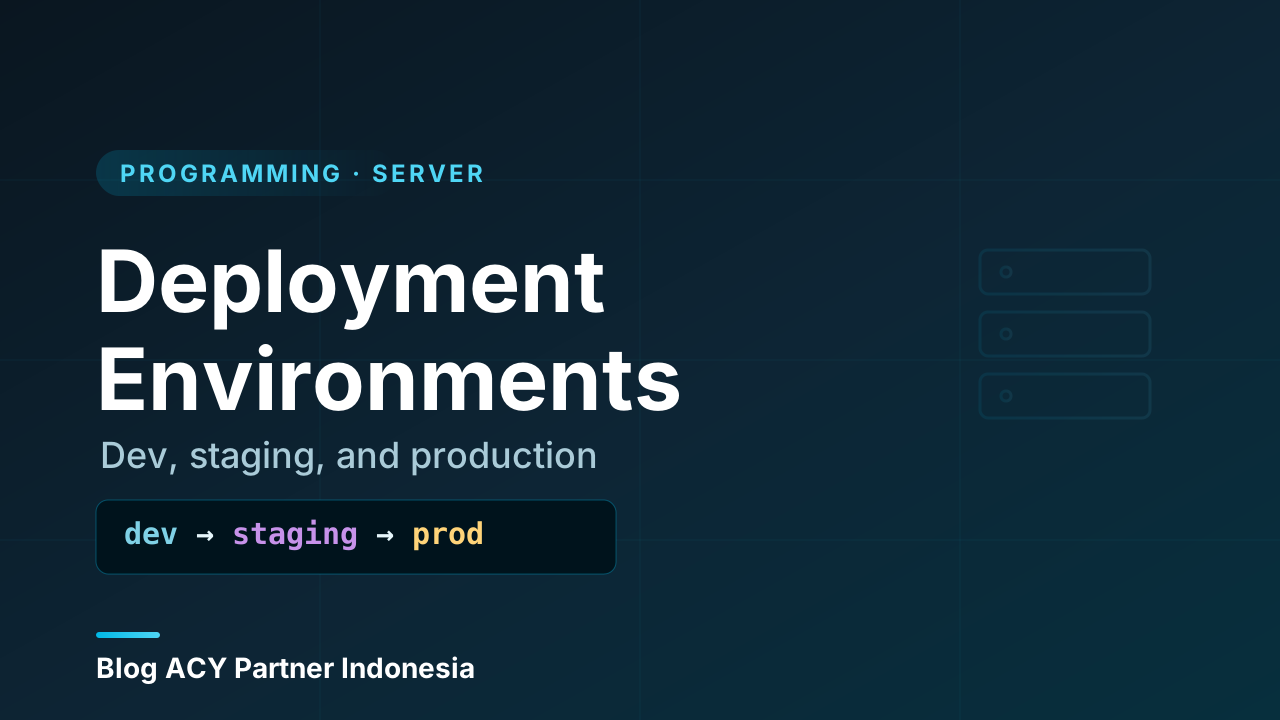
Most teams settle on three core environments. You’ll hear these names constantly, so let’s nail down what each is for — because the purpose, not the name, is what matters.
Development
This is where you write and run code while you’re actively working on it. Usually it’s your own laptop. The database is small and full of fake data you don’t mind destroying. Errors print loudly to your screen so you can debug them. Things restart automatically when you save a file. Speed and feedback matter here; polish and security don’t, because the only user is you.
If you’ve ever run an app locally at an address like localhost, you’ve already used a development environment. (We dug into the gap between your laptop and a live server in localhost vs production — it’s the foundation this whole topic builds on.)
Staging
Staging is the rehearsal. It’s meant to be a near-identical copy of production — same operating system, same runtime versions, same kind of database, ideally the same server setup — but used by your team, not the public. Before any change goes live, you deploy it to staging and check that it behaves the way it did on your laptop. If something is going to break because production is a different beast than your dev machine, you want it to break here, where only your team sees it.
Good staging environments use realistic data and realistic traffic patterns. The closer staging mirrors production, the more bugs it catches before they reach customers.
Production
Production — often shortened to “prod” — is the real thing. Real users, real data, real consequences. This is the environment that’s actually serving your website or app to the public. Everything else exists to protect it.
Production is treated with care that the other environments aren’t. You don’t poke at it directly. You don’t test risky changes on it. Debug logging is off (it can leak sensitive information), errors are hidden from users (and reported to you privately instead), and security is tight. When people say “never test in production,” this is the environment they’re protecting.
   DEVELOPMENT          STAGING              PRODUCTION
   (your laptop)     (team rehearsal)      (real users)
        │                  │                     │
   write & debug  ──►  verify it's   ──►   serve the public
   fake data          safe to ship        real data, real money
   errors loud        prod-like setup     errors hidden, logged
        │                  │                     │
        └──── code flows one direction ─────────►
Why not just have one?
It’s a fair question. Keeping three copies of everything sounds like extra work — and it is. So why bother?
Because every environment you add is a safety net you get to fail into. Imagine you have only production. You change something, push it live, and a typo takes the whole site down for an hour while real customers stare at an error page. With staging in front of production, that same typo gets caught in the rehearsal, seen by nobody but you, and fixed before it ever reaches a customer.
The separation buys you three things specifically:
- A place to break things. Development lets you experiment freely because nothing important is at stake.
- A place to verify. Staging answers the question “does this actually work in a production-like setting?” before you risk real users.
- A place that stays stable. Production is shielded from half-finished work, so it keeps running while you build the next thing somewhere else.
Without that ladder, every change is a gamble with your real users as the stakes. With it, the gamble happens in private, against fake data, where losing costs you nothing.
How the same app behaves differently
Here’s where it gets practical. The same code runs in every environment, but it doesn’t act the same in each. That difference comes entirely from configuration — values fed into the app from outside, rather than written into the code itself.
A few things that almost always differ between environments:
- The database. Development talks to a tiny local database. Staging talks to a staging database. Production talks to the real one. You’d never want a test on staging to accidentally email your actual customers, so each points at its own data.
- Secrets and keys. API keys, passwords, and tokens differ per environment. Production holds the real, sensitive ones; development uses throwaway test keys.
- Logging and error display. Development shows full error details on screen. Production hides them from users and ships them to a private monitoring tool instead.
- External services. Payment providers, email senders, and the like usually offer a “sandbox” or “test” mode. Dev and staging use the sandbox so no real charges or emails happen; production uses the live one.
The standard way to feed these differences in is through environment variables — named values the operating system hands to your app at startup, kept outside your code. The same app reads DATABASE_URL in every environment; what that variable points to is what changes. This keeps secrets out of your codebase and lets one identical build run anywhere.
One build, many environments
The cleanest setups build the application exactly once, then deploy that same build to staging and later to production, changing only the environment variables. If staging passes, you have high confidence production will too, because it’s literally the same artifact. Rebuilding separately for each environment quietly reintroduces the “works here, not there” risk you were trying to kill.
If the idea of named values living outside your code is new, it’s worth a short detour: environment variables covers exactly how these are set and read on a server, and it’s the mechanism that makes the “same code, different config” rule possible.
Beyond the big three
Three environments cover most projects, but you’ll bump into others as teams grow. None of these are required — they’re tools you reach for when a specific need shows up:
- QA / Test. A dedicated environment for a quality-assurance team to run through features methodically, separate from where developers are actively changing things.
- Preview / Review. A temporary, throwaway environment spun up automatically for a single proposed change, so reviewers can click around the exact version being proposed before it’s accepted. It vanishes once the change is merged.
- Pre-production / UAT. A final gate that’s even closer to production than staging, sometimes used by clients or stakeholders to sign off (“User Acceptance Testing”) before launch.
- Local vs. shared development. Some teams run a shared dev server everyone connects to, in addition to each person’s own laptop.
The principle behind all of them is the same as the core three: create an isolated place tuned to one purpose, so that purpose doesn’t endanger anything else. Add an environment when the safety or clarity it buys is worth the upkeep — not before.
A realistic flow
Picture a small team at ACY Partner Indonesia shipping a new feature. Jane Doe writes the code on her laptop (development), running it against fake data until it works. She opens it for review, and a preview environment appears so a teammate can click through her exact version. Once approved, the change merges and is deployed to staging, where the team runs it against production-like data and confirms nothing broke. Satisfied, they deploy that same build to production — and real users get the feature, with the team confident because the same code already proved itself one step earlier.
Notice the direction: code only ever flows forward, from less important environments toward more important ones, gathering confidence at each step. It never flows backward — you don’t copy production’s risky live data down into a place where it might leak.
   merge ──► staging deploy ──► checks pass ──► production deploy
                  │                                    │
            "looks right                         "ship it to
             with real-ish data"                  real users"
Wrapping up
Here’s the whole picture in one place:
- An environment is a separate, self-contained place where your app runs, set up for one purpose. Isolation is the point: a mistake in one can’t hurt the others.
- The three you’ll meet first are development (your laptop, fake data, loud errors), staging (a production-like rehearsal for your team), and production (the real thing, real users, treated with care).
- The reason to have several is to build a ladder of safety nets — break things in dev, verify in staging, keep production stable.
- The same code runs everywhere; only the configuration changes — the database, the secrets, the logging — usually fed in through environment variables.
- Bigger teams add more environments (QA, preview, pre-production) on the same principle: an isolated place tuned to one job.
- Code flows in one direction, from less critical environments toward production, gaining confidence at each step.
Once you’re comfortable with the places code runs, the natural next question is the journey between them — what actually happens, step by step, when a change moves from one environment to the next. That’s the mechanics of deployment itself, and it’s where this all starts to feel real.