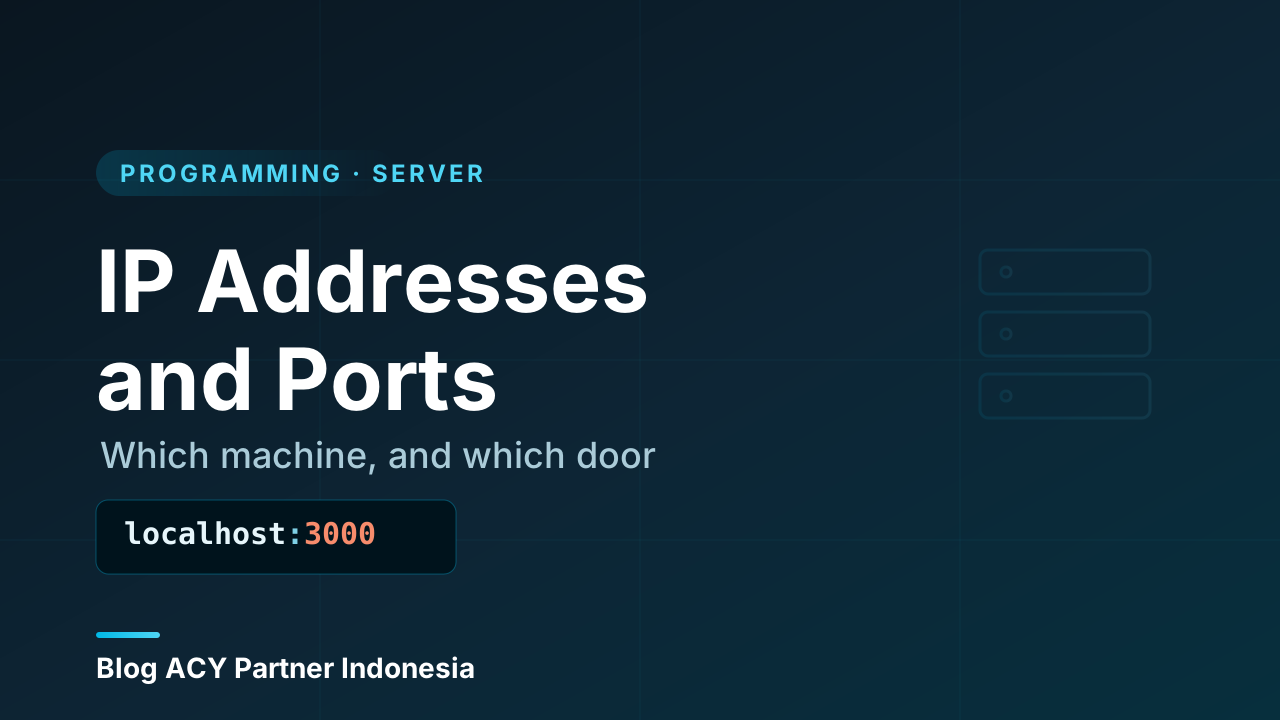
You’ve probably typed something like localhost:3000 into a browser, or seen an error that says “connection refused on port 5432,” and just rolled with it. Those numbers aren’t random. They’re two halves of the most basic question in all of networking: which machine, and which door on that machine? The answer is an IP address plus a port, and once you understand how the two fit together, a huge amount of confusing server behavior turns into plain common sense.
Think of it like sending a letter. The IP address is the street address that gets your letter to the right building. The port is the apartment number that gets it to the right person inside. Miss either one and the message goes nowhere. Let’s take them one at a time, then see how they combine.
What an IP address is
An IP address is a label that identifies a device on a network. “IP” stands for Internet Protocol — the agreed-upon set of rules that lets computers route messages to each other. Every device that talks on a network, whether it’s a laptop, a phone, a server in a data center, or your smart fridge, has at least one IP address while it’s connected. Without it, the network has no idea where to deliver anything.
The address isn’t a name like “John’s laptop.” It’s a number, written in a specific format so machines and routers can read it the same way every time. When your browser wants a web page, it doesn’t shout into the void — it sends the request to a specific IP address, and the network hardware in between uses that address to forward the request, hop by hop, until it reaches the right machine.
The IP address is for machines, not humans
You almost never type an IP address directly. You type a name like example.com, and the system quietly looks up the IP behind it for you. That lookup is a separate piece of the puzzle — turning human-friendly names into machine-friendly addresses — and it’s worth its own discussion later. For now, just remember: under every domain name there’s an IP address doing the real routing work.
IPv4 and IPv6: two flavors of address
There are two versions of IP addresses in use today, and you’ll bump into both.
IPv4 is the older, far more familiar one. It looks like four numbers separated by dots, each from 0 to 255:
192.168.1.10
93.184.216.34
8.8.8.8
Each of those four pieces is one byte (8 bits), so an IPv4 address is 32 bits total. That math gives about 4.3 billion possible addresses — which sounded like an ocean in the 1980s and turned out to be a puddle once the whole planet got online. The world simply ran out of fresh IPv4 addresses.
IPv6 is the answer to that shortage. It’s much longer — 128 bits — and written as groups of hexadecimal digits separated by colons:
2001:0db8:85a3:0000:0000:8a2e:0370:7334To keep it readable, IPv6 lets you collapse long runs of zeros with ::, so that same address might appear as 2001:db8:85a3::8a2e:370:7334. The number of possible IPv6 addresses is so enormous it’s effectively unlimited for any practical purpose — enough to give every grain of sand on Earth its own address and still have plenty left over. Both versions run side by side on today’s internet, and most systems handle both automatically.
What a port is
Here’s the thing an IP address alone can’t tell you: a single machine usually runs many network services at the same time. One server might be serving web pages, accepting secure shell logins, and answering database queries all at once. They all share the same IP address. So how does an incoming message know which of those services it’s meant for?
That’s the job of the port. A port is a number — from 0 to 65535 — that identifies a specific service or connection on a machine. If the IP address gets the message to the right building, the port number gets it to the right office inside.
        ONE SERVER  (IP: 203.0.113.5)
   ┌─────────────────────────────────────┐
   │  port 22   → SSH (remote login)      │
   │  port 80   → web (HTTP)              │
   │  port 443  → web (HTTPS, secure)     │
   │  port 5432 → database                │
   └─────────────────────────────────────┘
        ▲           ▲           ▲
     login       browser     app server
Every incoming request carries both an IP address and a port. The IP gets it to the machine; the port tells the machine which program should receive it. A program that sits and waits for connections on a particular port is said to be listening on that port.
Well-known ports vs. the rest
Because some services are extremely common, the world agreed on standard port numbers for them so software doesn’t have to guess. These are the well-known ports, numbers 0 through 1023. A few worth recognizing:
  22   SSH        (secure remote login)
  53   DNS        (name lookups)
  80   HTTP       (plain web traffic)
  443  HTTPS      (encrypted web traffic)
  25   SMTP       (sending email)
This is exactly why you can type https://example.com without ever specifying a port — your browser already knows HTTPS lives on port 443 by convention, so it fills that in for you. Plain http:// defaults to port 80 the same way.
Above 1023 you’re in the range used by everything else: your own applications, development servers, and temporary connections. This is why local dev servers so often live on numbers like 3000, 5173, or 8080 — they’re high, easy to remember, and unlikely to collide with a standard system service.
Why localhost:3000 makes sense now
Break it into its two parts. localhost is a special name that always means this very machine (it maps to the IP 127.0.0.1, the “loopback” address that loops back to you). :3000 is the port your development server chose to listen on. So localhost:3000 literally reads as: “connect to a service on my own computer, at door number 3000.” The same machine could run a second dev server on :3001 at the same time without any conflict — different door, no collision.
Putting them together: the socket
When you combine an IP address and a port, you get something with a name: a socket. Written out, it looks like 203.0.113.5:443 — address, colon, port. A socket is the precise endpoint of a network conversation. One full connection is actually defined by two sockets: the client’s (your machine and a temporary port) and the server’s (its IP and the service port).
That pairing is what lets a single server handle thousands of simultaneous connections without mixing them up. Even if a thousand people all connect to the same web server on port 443, each connection is uniquely identified by the combination of both ends — your IP and your temporary port on one side, the server’s IP and port 443 on the other. No two connections share the exact same four-part fingerprint, so responses always find their way back to the right requester.
Public vs. private IP addresses
One more distinction that trips people up. Not every IP address is reachable from the open internet. Certain ranges are reserved for private networks — the ones inside your home or office:
  10.0.0.0    – 10.255.255.255
  172.16.0.0  – 172.31.255.255
  192.168.0.0 – 192.168.255.255
That 192.168.x.x address your laptop has at home? It’s private. It only means something inside your local network. The wider internet can’t reach it directly. When your laptop talks to the outside world, your router translates that private address into the single public IP your internet provider gave you — a trick called NAT (Network Address Translation). It’s why every device in your house can share one public address, and why someone on the internet can’t just dial 192.168.1.10 and land on your specific laptop.
For a server you want the whole world to reach, the opposite is true: it needs a public IP address, one that’s globally unique and routable, so any client anywhere can find it. That public address, paired with a port, is the front door your application opens to the internet.
Why this matters when you build things
This isn’t trivia — it shows up constantly the moment you run real servers. When a service “can’t bind to port 80,” it means another program already grabbed that door. When a firewall “blocks port 22,” it’s deciding which doors strangers are allowed to knock on. When you set a dev server to 0.0.0.0 instead of localhost, you’re telling it to listen on all the machine’s addresses, not just the loopback one. Every one of those situations is just IP-address-and-port logic playing out.
It also underpins security. A big part of locking down a server is closing every port that doesn’t need to be open, so there are fewer doors for an attacker to try. You can’t reason about that at all until “IP address” and “port” feel concrete — which, hopefully, they now do.
Wrapping up
Here’s the whole picture in one place:
- An IP address identifies a device on a network. It’s the “which machine” half of the question.
- IPv4 addresses look like
192.168.1.10(32 bits, ~4.3 billion of them, now exhausted); IPv6 addresses look like2001:db8::1(128 bits, effectively unlimited). Both run side by side today. - A port (0–65535) identifies a service on that machine. It’s the “which door” half.
- Well-known ports (0–1023) are standardized — 22 SSH, 80 HTTP, 443 HTTPS — which is why you rarely type a port for common services.
- An IP plus a port is a socket (
203.0.113.5:443); a full connection is a pair of sockets, which is how one server juggles thousands of connections cleanly. - Private IP ranges (
192.168.x.xand friends) live inside local networks; a server the world can reach needs a public IP.
With “which machine” and “which door” both clear, the natural next question is how we get from a name like example.com to that IP address in the first place — the lookup system that quietly powers every address you’ll ever type. That’s where domains and DNS come in.