Picture your server as a building with a lot of doors. Some of those doors should be open — the front entrance where visitors come in to view your website. Most of them should be firmly shut, because there’s no reason for a stranger to wander into the back office or the supply room. A firewall is the security guard standing at every door, holding a list of who’s allowed through and who gets turned away.
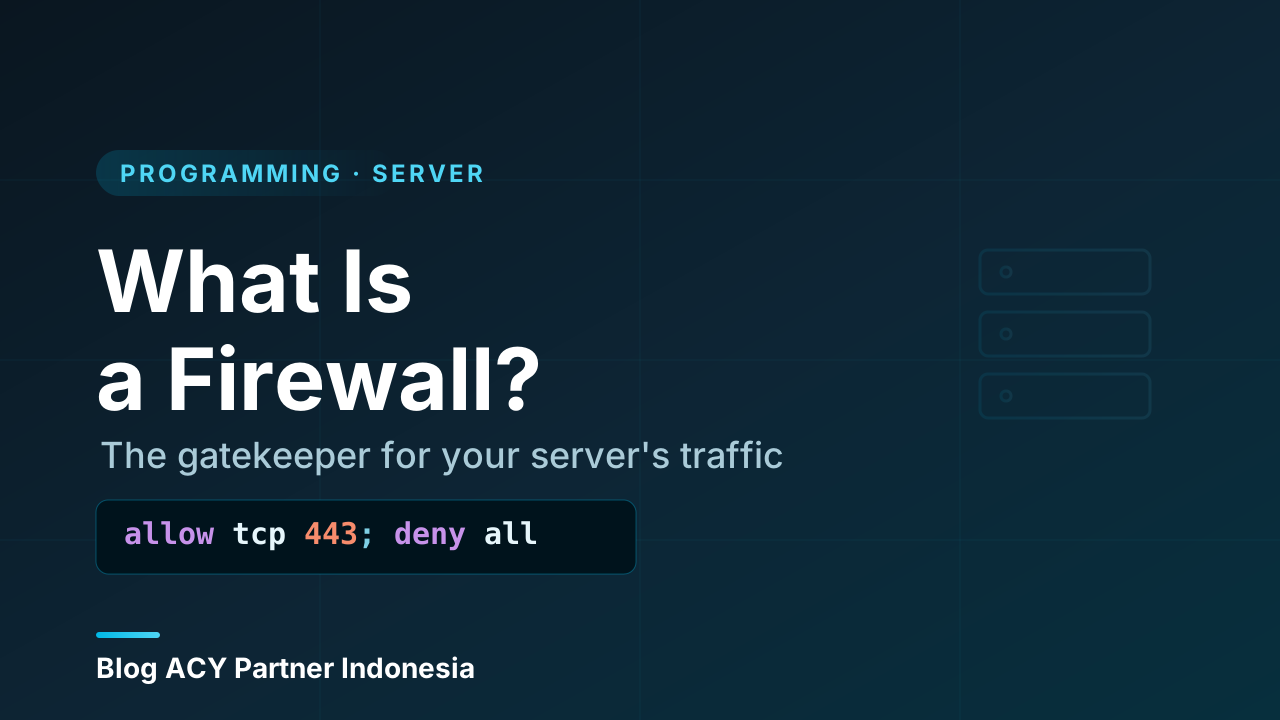
That’s the whole idea in one sentence: a firewall decides which network traffic is allowed to pass and which gets blocked. It sounds simple, and at its core it really is. But once you understand how that decision gets made — and why “block everything by default” is the golden rule — a lot of confusing security advice suddenly clicks into place.
What a firewall actually is
A firewall is a filter for network traffic. Every packet of data trying to reach your server (or leave it) gets checked against a set of rules, and the firewall makes one of two decisions: allow it or block it. Nothing more mysterious than that.
The rules are usually written in terms of a few simple properties of each connection:
- Where it’s coming from — the source IP address (a specific machine, a range, or “anywhere”).
- Where it’s going — the destination, and importantly the port it’s trying to reach.
- Which protocol it’s using — typically TCP or UDP.
So a rule might say, in plain language: “Allow incoming TCP traffic to port 443 from anywhere.” That single rule is what lets the whole world reach your website over HTTPS while everything else stays shut. If a packet matches a rule, the firewall does what the rule says. If it matches no allow rule, a well-configured firewall blocks it — and that default behavior is the most important concept in this entire article.
A firewall is a policy, not a wall
The name conjures an image of a solid barrier, but a firewall is really a decision-making policy. It doesn’t physically stop anything — it inspects each connection and either lets it through or drops it based on rules you define. Change the rules and you change what’s allowed. That’s why “configuring a firewall” mostly means writing and ordering rules, not installing a special piece of hardware (though dedicated firewall hardware does exist for large networks).
How a firewall makes its decision
When traffic arrives, the firewall walks through its rules and acts on the first one that matches. To make a decision it needs to know what the traffic is, and that’s where the basics of ports and protocols come in: ports tell the firewall which service a packet wants (80 for HTTP, 443 for HTTPS, 22 for SSH), and the protocol (TCP/UDP) tells it how the conversation works.
Here’s the mental model. A packet shows up at the door, and the firewall asks a short series of questions:
   incoming packet
        │
        ▼
  ┌─────────────────────────────┐
  │ Does it match an ALLOW rule?│──► yes ──► let it through
  └─────────────────────────────┘
        │ no
        ▼
  ┌─────────────────────────────┐
  │ Default policy?             │──► ALLOW ──► let it through (risky)
  └─────────────────────────────┘
        │ DENY (recommended)
        ▼
     dropped — packet is silently discarded
Two details matter a lot here. First, order matters: firewalls evaluate rules top to bottom and stop at the first match, so a broad “block everything” rule placed above a specific “allow port 443” rule would block your website by accident. Second, the default policy — what happens when no rule matches — is the single setting that decides whether your server is open or locked down.
The default-deny mindset
There are two ways to write a firewall policy, and only one of them is sane for a server exposed to the internet.
- Default allow (denylist): everything is permitted unless you specifically block it. You have to think of every bad thing in advance and write a rule against it. Miss one, and it’s wide open.
- Default deny (allowlist): everything is blocked unless you specifically allow it. You open only the doors you actually need, and the rest stay shut without you having to name them.
The second approach — default deny — is the foundation of good server security. You don’t try to enumerate every possible attack; you simply close everything, then open the handful of ports your service genuinely uses. A typical web server only needs three or four doors open:
ALLOW  in  tcp  port 80    (HTTP — usually redirected to HTTPS)
ALLOW  in  tcp  port 443   (HTTPS — your actual website)
ALLOW  in  tcp  port 22    (SSH — for you to manage the server)
DENY   in  everything else  (the default — nothing else gets in)
That’s the entire firewall for a huge number of real-world servers. The power of default-deny is that an attacker scanning your server finds almost nothing to talk to. A database port, an admin panel, a forgotten test service — none of it is reachable, because you never opened the door, even if the software behind it is still running.
The classic mistake: locking yourself out
Because a server has no screen or keyboard, you manage it remotely over the network — usually via SSH on port 22. If you set the default policy to deny and forget to allow your own SSH port first, the firewall will block your own connection the moment it activates, and you’ll be locked out of your own machine. Always confirm the rule that lets you in is in place and working before you tighten everything else. On cloud providers you can usually recover through a console, but it’s a stressful lesson to learn the hard way.
Inbound vs outbound rules
Traffic flows in two directions, and a firewall can filter both.
- Inbound (ingress) rules control connections coming into your server from the outside world. This is what most people picture, and it’s where the bulk of protection lives — it’s how you decide that the public can reach your website but not your database.
- Outbound (egress) rules control connections leaving your server. People often leave these wide open, and for many setups that’s fine. But filtering outbound traffic is a real defense: if your server is ever compromised, locking down what it’s allowed to send can stop malware from phoning home or quietly exfiltrating your data.
For a first server, focus on getting inbound rules right. Outbound filtering is a sensible next step once you’re comfortable, especially for machines that hold sensitive data.
Stateful vs stateless filtering
Here’s a problem the early firewalls had to solve. When your server replies to a visitor, that reply is outbound traffic going to some random high-numbered port on the visitor’s machine. If the firewall only looked at packets one at a time, you’d have to open thousands of ports just to let normal replies through — which would defeat the whole point.
The fix is a stateful firewall, and it’s what virtually every modern firewall is. A stateful firewall remembers connections it has already approved. When a visitor’s request comes in and you allow it, the firewall makes a note: “I’m now expecting replies for this conversation.” The return traffic is automatically permitted because it belongs to a connection that’s already established — you don’t need a separate rule for it.
  Visitor          Stateful Firewall          Server
     │                    │                      │
     │  request to :443   │                      │
     │ ─────────────────► │  allowed by rule     │
     │                    │  (remembers it)      │
     │                    │ ───────────────────► │
     │                    │                      │
     │   ◄── reply ───────│  ◄── reply ──────────│
     │                    │  auto-allowed:       │
     │                    │  part of known conn  │
A stateless firewall, by contrast, judges every packet in isolation with no memory of what came before. It’s faster and simpler but far more awkward to configure correctly. In practice you’ll almost always be working with a stateful firewall, and “allow established connections” is one of the first rules most setups include — it’s what makes everything else work smoothly.
Host firewall vs network firewall
The same idea shows up at two different levels, and a serious setup often uses both.
- A host firewall runs on the server itself, as software, protecting that one machine. This is what you configure directly on a Linux box, and it’s the firewall a developer interacts with most. Because it lives on the machine, it can make decisions based on which local program is involved, and it travels with the server wherever it goes.
- A network firewall sits in front of one or more servers, filtering traffic before it ever reaches them. On a cloud platform this often appears as a “security group” or “network ACL” — a firewall you configure in a dashboard that guards your whole group of machines from the outside. It’s the gate at the edge of the property, before any individual building’s door.
Neither replaces the other. The network firewall is your first line of defense and protects everything behind it at once; the host firewall is the last line, protecting each machine even if something slips past the perimeter. Relying on both is an example of defense in depth — not trusting a single barrier to catch everything.
Closing a port and stopping a service are not the same thing
A firewall blocking port 5432 doesn’t turn off your database — the database is still running, still listening, just unreachable from outside. That’s genuinely useful: it keeps the service available to other programs on the same machine while hiding it from the internet. But it also means the firewall is a layer on top of good service configuration, not a substitute for it. The strongest setup does both: bind the service to listen only locally where possible, and block the port at the firewall. If one layer is misconfigured, the other still holds.
Why firewalls matter so much
The internet is a hostile place by default. Within minutes of a fresh server going online, automated bots begin scanning it — knocking on every port, probing for open services, looking for anything they can exploit. This isn’t paranoia; it’s the constant background noise of a public network. A firewall is what turns those millions of probes into a wall of silence, because every door an attacker tries is simply closed.
What makes firewalls so valuable is their economy. A handful of rules — open these three ports, deny the rest — dramatically shrinks the surface an attacker can even touch. It can’t fix a vulnerable application or a weak password behind an open door, and it was never meant to. But by making sure only the doors you intend are open, a firewall removes an enormous category of risk for almost no effort. That’s the best kind of security: simple, cheap, and effective. It’s why configuring one is among the very first things you do on any server that faces the public.
Wrapping up
Here’s everything in one place:
- A firewall is a filter that allows or blocks network traffic by checking each connection against a set of rules.
- Rules are based on source, destination, port, and protocol — for example, “allow incoming TCP to port 443 from anywhere.”
- Order matters (first match wins) and the default policy decides what happens when nothing matches.
- The golden rule is default deny: block everything, then open only the few ports your service actually needs.
- Firewalls filter inbound and outbound traffic; inbound protection matters most for a first server.
- Modern firewalls are stateful — they remember approved connections so replies flow through automatically.
- A host firewall protects one machine; a network firewall guards the perimeter. Using both is defense in depth.
- Blocking a port hides a service without stopping it — the firewall is a layer on top of good configuration, not a replacement for it.
Once you’re comfortable with the idea of allowing only what you need, the natural next step in networking is understanding the pieces that sit between your server and the wider internet — the proxies and gateways that route, shield, and shape traffic on its way through.