You’ve probably seen a web address like https://example.com:8080 and wondered what that :8080 on the end is doing. Or you’ve followed a tutorial that said “make sure port 3000 is open,” nodded along, and quietly hoped it would just work. Ports and protocols sit right at that spot — common enough that everyone assumes you know them, technical enough that nobody stops to explain them.
The good news is that the whole idea is simpler than it sounds. Once you can picture what a port is and what a protocol is, a lot of confusing networking errors suddenly turn into something you can reason about instead of just guessing at.
The problem ports and protocols solve
Imagine a single server running several programs at once: a website, an email service, and a database, all on the same machine with one IP address. A request arrives from the internet. The network has done its job and delivered the data to the right computer — but now there’s a new question. Which program on that computer is this for?
That’s the gap ports fill. And once the data reaches the right program, there’s a second question: what language are these two going to speak so they actually understand each other? That’s what a protocol answers. Two different problems, two different tools, and they almost always show up together.
A quick analogy that holds up well: think of a large office building.
- The IP address is the building’s street address — it gets the mail to the right building.
- The port is the suite or room number — it gets the mail to the right office inside that building.
- The protocol is the language and etiquette everyone in that office has agreed to use — without it, the letter arrives but nobody can read it.
You need all three for a message to actually land and make sense.
What a port actually is
A port is just a number — a label the operating system uses to keep network traffic for different programs separate. It runs from 0 to 65535, giving every machine 65,536 possible ports to work with.
When a program wants to receive traffic, it asks the operating system to listen on a specific port. From that moment on, any data arriving at the machine addressed to that port number gets handed to that program and no other. A web server might listen on port 80. A database might listen on port 5432. They share the same machine and the same IP address, but because they’re on different ports, their traffic never gets mixed up.
                  ONE SERVER · ONE IP ADDRESS
              ┌──────────────────────────────────┐
   traffic →  │  port 80   →  web server          │
   traffic →  │  port 25   →  mail server         │
   traffic →  │  port 5432 →  database server      │
              └──────────────────────────────────┘
        the IP gets data to the machine,
        the port gets it to the right program
So an address like 93.184.216.34:80 means “the program listening on port 80, on the machine at this IP.” The IP picks the machine; the port picks the program. That’s the entire job.
Why you rarely type the port for a website
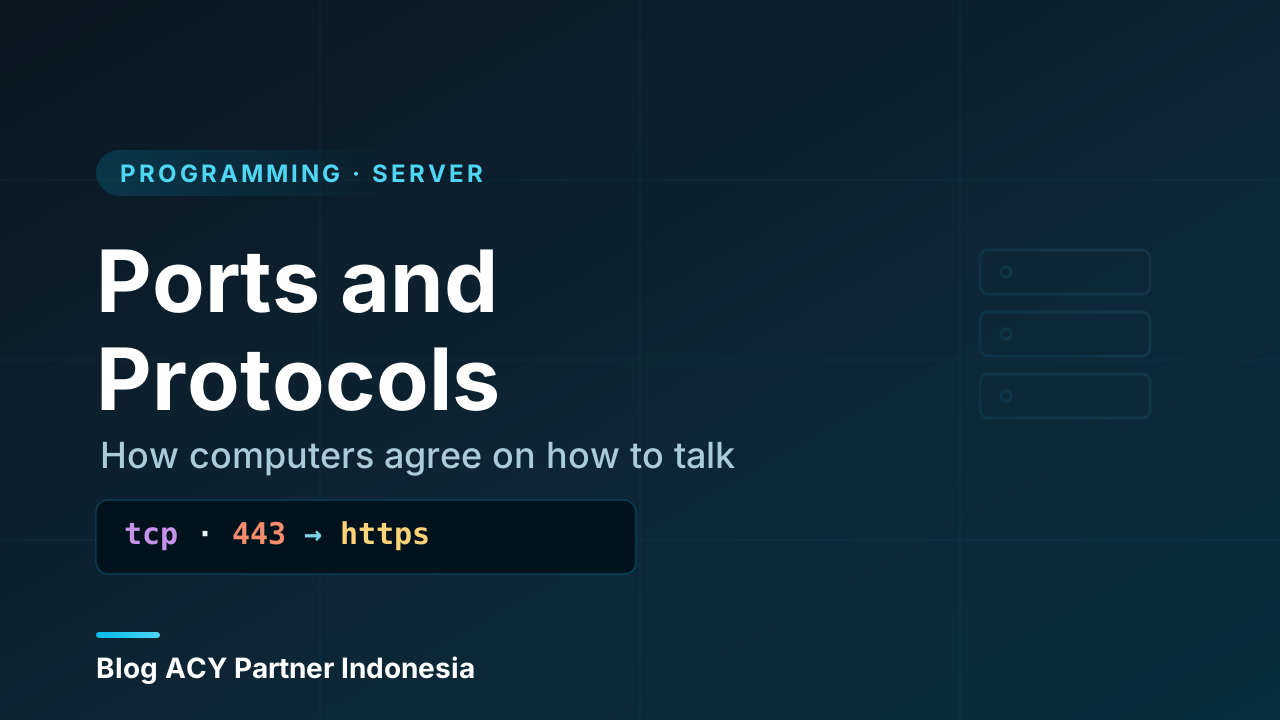
Every protocol has a default port that browsers and tools assume so you don’t have to type it. Web pages over HTTP default to port 80, and over HTTPS to port 443. So https://example.com is really https://example.com:443 — the browser fills in :443 silently. You only see a port spelled out (like :8080 or :3000) when something is running on a non-default port, which is common during development.
The three ranges of ports
Not all port numbers are treated the same. They’re split into three ranges, mostly by convention, and knowing the split helps you read what you see.
- Well-known ports (0–1023). Reserved for standard, widely-used services: web, email, SSH, and so on. On most systems a program needs administrator (root) privileges to listen on these, which is a small safety measure — it stops just any program from pretending to be the official web server.
- Registered ports (1024–49151). Assigned to specific applications by an organization that keeps a registry, but not locked down the way the low numbers are. Many popular tools live here, like
3306for MySQL or5432for PostgreSQL. - Dynamic / ephemeral ports (49152–65535). Grabbed temporarily and automatically by your computer for outgoing connections. When your browser opens a page, it uses a random high-numbered port on your end for that one conversation, then releases it when you’re done.
That last point clears up a common confusion. A connection has two ports: one on each end. The server listens on a fixed, known port (say 443). Your machine talks back on a random ephemeral port. That pairing is what lets your laptop hold dozens of connections at once without them colliding.
Common ports worth recognizing
You don’t need to memorize a giant table, but a handful come up so often that recognizing them saves real time when you’re debugging.
| Port | Service | What it’s for |
|---|---|---|
| 22 | SSH | Secure remote login to a server |
| 25 | SMTP | Sending email between servers |
| 53 | DNS | Looking up domain names |
| 80 | HTTP | Unencrypted web traffic |
| 443 | HTTPS | Encrypted web traffic |
| 3306 | MySQL | A common database |
| 5432 | PostgreSQL | Another common database |
| 3000 / 8080 | (dev) | Where local apps often run during development |
When you read “the connection was refused on port 5432,” you now know something useful immediately: something tried to reach a PostgreSQL database, and nothing was listening there. Half of networking troubleshooting is just knowing which door someone knocked on.
What a protocol actually is
If a port gets data to the right program, a protocol is the agreed-upon set of rules for what that data means and how the conversation flows. It defines the format of the messages, the order they’re sent in, and what each side is expected to do at every step.
Protocols matter because computers have no shared common sense. Two programs can be perfectly connected and still be useless to each other if one is “speaking” in a format the other doesn’t recognize. The protocol is the contract that removes the guesswork: send your request in exactly this shape, and I’ll reply in exactly that shape.
Here’s HTTP — the protocol behind the web — shown as the plain text it really is underneath:
GET /index.html HTTP/1.1
Host: example.com
Accept: text/html
The browser sends those lines; the server understands them because both sides agreed on HTTP. The server then replies in the same agreed format, starting with a status line like HTTP/1.1 200 OK. Neither side has to guess what the other means — the protocol already settled it.
Transport protocols: TCP and UDP
There’s an important layer underneath the protocols you usually name. Before HTTP or email can do anything, the data has to be carried across the network, and there are two main ways to carry it: TCP and UDP. They’re both built on top of the wider TCP/IP model, and the difference between them is a genuinely useful thing to understand.
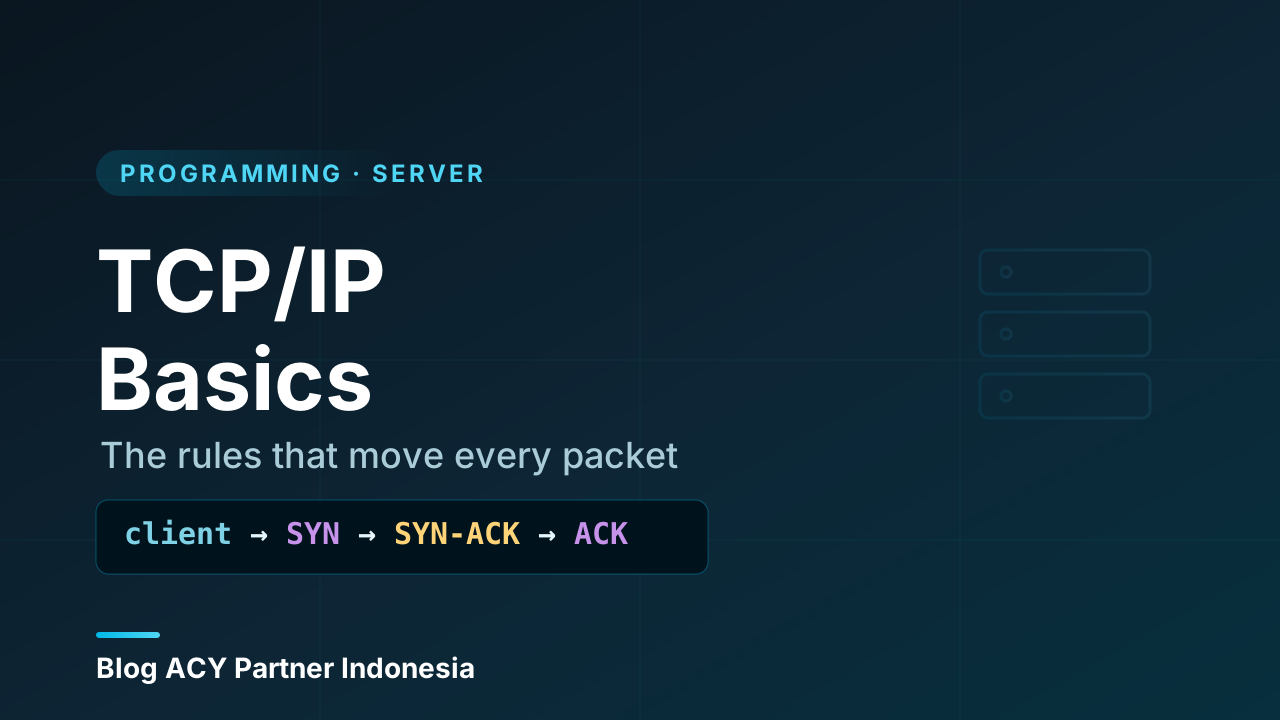
TCP (Transmission Control Protocol) is the careful, reliable one. Before sending data, it sets up a connection with a little back-and-forth handshake, then makes sure every piece arrives, arrives in order, and arrives intact — re-sending anything that gets lost. It’s like a phone call: you confirm the other person is there, you take turns, and you notice if the line drops.
UDP (User Datagram Protocol) is the fast, no-frills one. It just fires data off without setting up a connection or checking that anything arrived. It’s like dropping postcards in a mailbox: most get there, you don’t wait for confirmation, and you accept that one might go missing.
   TCP — reliable, ordered, confirmed        UDP — fast, no guarantees
   ┌──────────────────────────────┐          ┌──────────────────────────┐
   │  "are you there?"  →          │          │   data →                 │
   │          ← "yes, go ahead"    │          │   data →   (no waiting,  │
   │  data → → →  (re-sent if lost)│          │   data →    no checking) │
   │          ← "got it all"       │          │                          │
   └──────────────────────────────┘          └──────────────────────────┘
   web, email, file transfer                 live video, voice, games
The trade-off is the whole point. TCP costs a bit of speed to guarantee correctness, so it powers things where a missing piece would break everything: web pages, email, downloads. UDP skips the guarantees to stay fast, so it powers things where being current beats being complete — live video, voice calls, online games. A single dropped frame in a video call is better than the whole call freezing to wait for it.
How ports and protocols work together
Now we can put the two ideas side by side, because in practice you never deal with one without the other. A full network conversation needs both a port (where to deliver the data) and a protocol (how to interpret it).
Picture a browser loading a secure web page:
- Your browser looks up the site’s IP address — that picks the machine.
- It connects to port 443 — that picks the program, the web server listening there.
- It uses TCP to carry the data reliably — that’s the transport protocol.
- On top of TCP it speaks HTTPS — that’s the application protocol, defining the actual request and response.
Strip any one of those away and it falls apart. Wrong IP, you reach the wrong building. Wrong port, you knock on a door where nobody’s listening. Wrong protocol, the door opens but the two of you can’t understand each other. They’re a team, and reading an address like https://example.com:443 from the outside in — protocol, host, port — tells you all three at a glance.
This is exactly why 'port already in use' happens
Only one program can listen on a given port at a time — that’s the rule that keeps traffic from getting mixed up. So when you try to start a second app on port 3000 and see “address already in use” or “port already in use,” it’s not a mysterious failure. Something is already holding that door. The fix is either to stop the first program or to start the second one on a different port. Knowing the cause turns a scary-looking error into a thirty-second decision.
Why this matters once you go live
On your own machine, ports and protocols mostly take care of themselves. The moment you put something on a real server that the whole internet can reach, they become things you actively decide.
You choose which ports to open so people can reach your site (usually 80 and 443) and which to keep closed so nobody can poke at services that should stay private — a database on port 5432, for instance, almost never needs to face the open internet. That decision is exactly what a firewall enforces, and it leans entirely on the idea that each service lives behind a known port. You also choose protocols deliberately: serving a site over plain HTTP versus encrypted HTTPS is a port choice (80 vs 443) and a protocol choice (encrypted or not) at the same time.
None of this is advanced once the foundation is in place. Ports route to the right program; protocols define the conversation. Get those two clear and a surprising amount of “why won’t this connect?” becomes something you can actually trace.
Wrapping up
Here’s the whole thing in one place:
- An IP address gets data to the right machine, a port gets it to the right program, and a protocol defines what the conversation means. You need all three.
- A port is a number from
0to65535that a program listens on; traffic addressed to that number goes to that program and no other. - Ports split into well-known (0–1023), registered (1024–49151), and ephemeral (49152–65535), and every connection actually uses two ports — a known one on the server, a temporary one on the client.
- A protocol is the agreed set of rules for a conversation. Underneath the named ones sits a transport choice: TCP (reliable, ordered, confirmed) or UDP (fast, no guarantees).
- Reading an address from the outside in —
https://example.com:443— tells you the protocol, the host, and the port all at once.
This connects directly to a couple of ideas worth following next: how ports fit into the bigger picture of IP addresses and ports as a server’s addressing system, and how a network moves that data between machines in the first place. With ports and protocols clear, both of those will read like a continuation rather than a new puzzle.