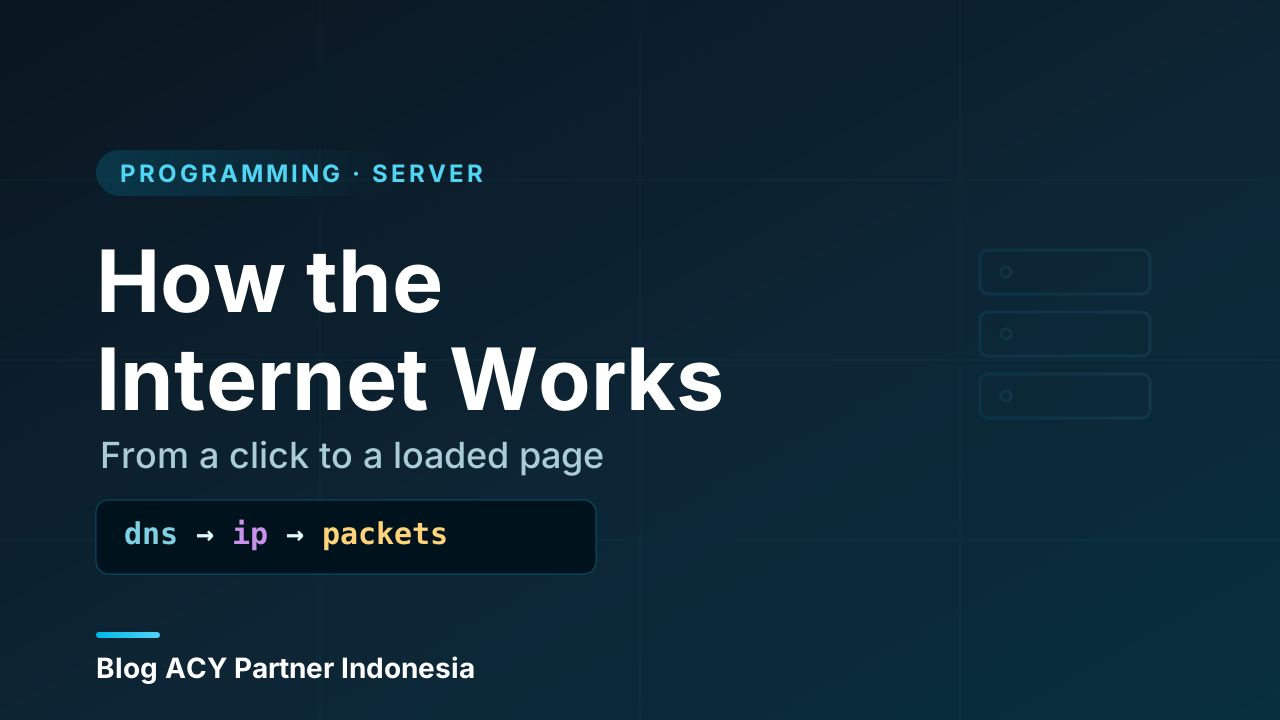
You type an address, hit Enter, and a fraction of a second later a full web page appears. It feels instant and magical, but in that tiny gap an astonishing amount of work just happened — your request found a specific machine somewhere on the planet, asked it a question, and got an answer back, all bouncing through dozens of pieces of equipment you’ll never see. None of it is magic. It’s a chain of clear, sensible steps, and once you can name each one, the internet stops being a black box.
This article walks that whole journey end to end: from the moment you press Enter to the moment the page shows up. We’ll keep it concrete and skip the jargon where we can, because the goal isn’t to memorize acronyms — it’s to actually picture what’s happening.
The internet is a network of networks
Start with the name. Internet is short for “inter-network” — a network between networks. It isn’t one giant computer or one central building. It’s a huge collection of smaller networks — home networks, office networks, university networks, the networks run by phone and cable companies — all agreeing to connect to each other and speak the same language.
That last part is the trick. Your home Wi-Fi and a data center in another country were built by completely different people, using different equipment, yet they cooperate flawlessly. They can do that because everyone agreed on a shared set of rules called protocols. As long as a machine follows the rules, it can join in — nobody needs permission from a central authority, and there’s no single “off switch” for the whole thing.
        your home network
                │
         your ISP's network
                │
   ┌────────────┼────────────┐
   │   the global "backbone"  │   ← big networks connected to each other
   └────────────┼────────────┘
                │
       the server's network
                │
          the server
The picture to hold in your head: not a single web, but many separate webs stitched together at the edges, with traffic hopping from one to the next until it reaches its destination.
Step 1: a name becomes an address
When you type acypartner.example, that human-friendly name means nothing to the network. Computers don’t find each other by name — they find each other by IP address, a numeric label like 203.0.113.42 that identifies a specific machine. So the very first job is translation: turn the name into a number.
That translation is done by DNS, the Domain Name System — essentially the internet’s phone book. Your computer asks a DNS server, “What’s the IP address for this name?” and gets the number back. Only then can the real request begin.
  "acypartner.example"   ──DNS lookup──►   203.0.113.42
   (a name humans read)                    (an address machines route to)
This lookup is usually so fast you never notice it, and the answer often comes from a nearby cache so it doesn’t have to travel far. But it has to happen first — without the address, your request has nowhere to go.
Names and numbers are two different layers
It’s worth separating these in your mind early. Domains are for humans — easy to read, easy to remember. IP addresses are for machines — that’s what the network actually uses to deliver traffic. DNS is the bridge between the two. If you want the deeper version of each, see domains and DNS and IP addresses and ports.
Step 2: the request is broken into packets
Now your computer has the server’s address and wants to send it a request — “please give me this page.” But the internet doesn’t send messages as one solid stream. Instead, your request is chopped up into small chunks called packets.
Think of mailing a long book by cutting it into single pages, putting each page in its own envelope, and writing the destination address on every one. Each packet carries a piece of the data plus a label saying where it’s headed and where it came from, and a number marking its place in the sequence.
Why bother? Because small, independent packets are flexible. If one gets lost, only that one needs resending — not the whole message. Different packets can even take different routes and still arrive fine, because each carries everything it needs to be reassembled in the right order at the other end. This packet-by-packet approach is the heart of how the internet stays resilient.
Step 3: packets travel through routers
Here’s where the journey gets physical. Each packet leaves your device, goes to your home router, then out to your ISP (Internet Service Provider — the company you pay for internet), and from there into the wider internet.
The internet is held together by machines called routers. A router’s whole job is to look at a packet’s destination address and decide, “Which direction gets this closer to where it needs to go?” It then forwards the packet one step along the way. The next router does the same. And the next. Each step is called a hop, and a single packet might pass through ten, twenty, or more routers before it arrives.
  you ─► home router ─► ISP ─► router ─► router ─► router ─► server
        └──────────────────── many "hops" ────────────────────┘
No single router knows the entire path to the destination. Each one only knows the next sensible step — like asking for directions town by town instead of needing the whole map up front. Out of millions of these small, local decisions, a complete route emerges. And because packets are independent, the network can route around congestion or a broken link on the fly.
You can watch the hops yourself
This isn’t theoretical — you can see the path your packets take. From a terminal, run traceroute example.com on Linux or macOS (tracert example.com on Windows). It lists each router your packets pass through on the way to the destination, one hop per line. Run it against a server in another country and you’ll watch your request literally cross the world, one machine at a time.
Step 4: the server answers
After all those hops, the packets arrive at the destination machine — the server, a computer whose job is to wait for requests and respond to them. The server reassembles your packets back into the complete request, reads what you asked for (“the homepage, please”), and gets to work: it finds or builds the page you wanted.
Then it does the exact same thing in reverse. The response — the page’s HTML, images, and everything else — gets chopped into its own packets, addressed back to your machine, and sent out across the internet. Those packets hop through routers again (possibly a different route this time) until they reach you. Your computer reassembles them, and your browser draws the page on screen.
   CLIENT                                         SERVER
 (your browser)                              (the machine online)
      │                                            │
      │  1. request packets ───────hops──────────► │
      │                                            │  2. build the page
      │  3. response packets ◄──────hops────────── │
      │                                            │
   reassemble + show the page
That entire round trip — name lookup, packets out, routing across the world, server response, packets back, reassembly — usually finishes in well under a second. Do it for the HTML, then again for every image, script, and stylesheet the page needs, and you’ve got a loaded web page.
The protocols that make it all agree
We keep saying machines “speak the same language.” That shared language is a stack of protocols — agreed-upon rules for how to format and handle data. A few names worth recognizing, because they come up constantly:
- IP (Internet Protocol) handles addressing and routing — it’s what gives every machine an address and lets routers move packets toward it.
- TCP (Transmission Control Protocol) sits on top and makes delivery reliable. It numbers the packets, confirms each one arrived, and asks for any that went missing — so the data shows up complete and in order.
- HTTP (HyperText Transfer Protocol) is the language browsers and web servers use to actually ask for and send web pages, sitting on top of TCP/IP.
You don’t talk to these directly when you browse — they work quietly underneath. But knowing the layers exist explains a lot. IP gets your packets there; TCP makes sure they arrive complete and in order; HTTP defines what the request and response actually say. Each layer trusts the one below it to do its job, which is why the whole stack stays manageable.
Why this picture is worth having
Knowing the steps turns vague problems into specific ones. When a site won’t load, you can ask better questions: did the name fail to resolve (a DNS problem), or did the name resolve but the connection never completed (a routing or server problem)? When a page feels slow, you can reason about which part of the trip is the bottleneck — the lookup, the round-trip distance, or the server’s own response time.
It also demystifies a lot of everyday tech. “The cloud” is just servers in someone else’s data center, reachable over this exact same journey. A site being “down” usually means the server at the end of the trip didn’t answer — the internet between you and it is fine. Loading a page from a server on the other side of the planet feels slower because the packets genuinely have farther to travel and more hops to make. Once you can see the path, these things stop being mysteries and start being explainable.
Wrapping up
Here’s the whole journey in one place:
- The internet is a network of networks — many independent networks agreeing to connect and follow the same protocols, with no single center.
- A request starts with DNS, which translates a human-friendly name into the numeric IP address the network can actually route to.
- Your request is split into small packets, each labeled with where it’s going, where it came from, and its place in the sequence.
- Routers forward those packets hop by hop, each one only deciding the next step, until they reach the destination.
- The server reassembles the request, builds a response, and sends it back the same way — packets, routers, reassembly — and your browser draws the page.
- Underneath it all, IP handles addressing, TCP makes delivery reliable, and HTTP defines what web requests and responses say.
Next, it’s worth pulling apart the layer that quietly does the heavy lifting here — how TCP/IP actually addresses machines and guarantees your data arrives complete and in the right order.